
JSON to CSV Converter
APIs and apps hand you JSON, but people want spreadsheets. Paste JSON here — an array of records, a single object or nested data — and this converter flattens it into rows and columns, gathers every field into the header, quotes values correctly, and gives you a CSV ready for Excel, Google Sheets or a database import. Nothing is uploaded: the conversion runs on your device.
- Free to use
- No sign-up
- Runs in your browser
JSON to CSV converter
Data Import Templates
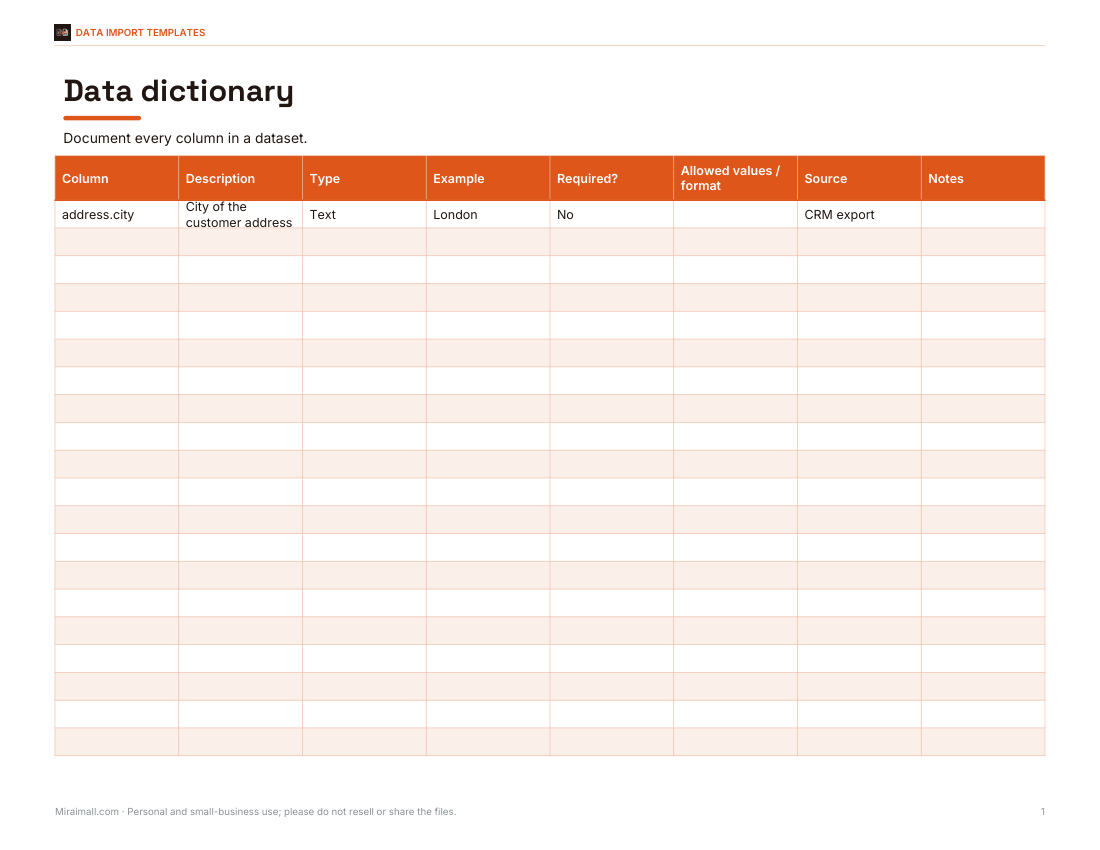
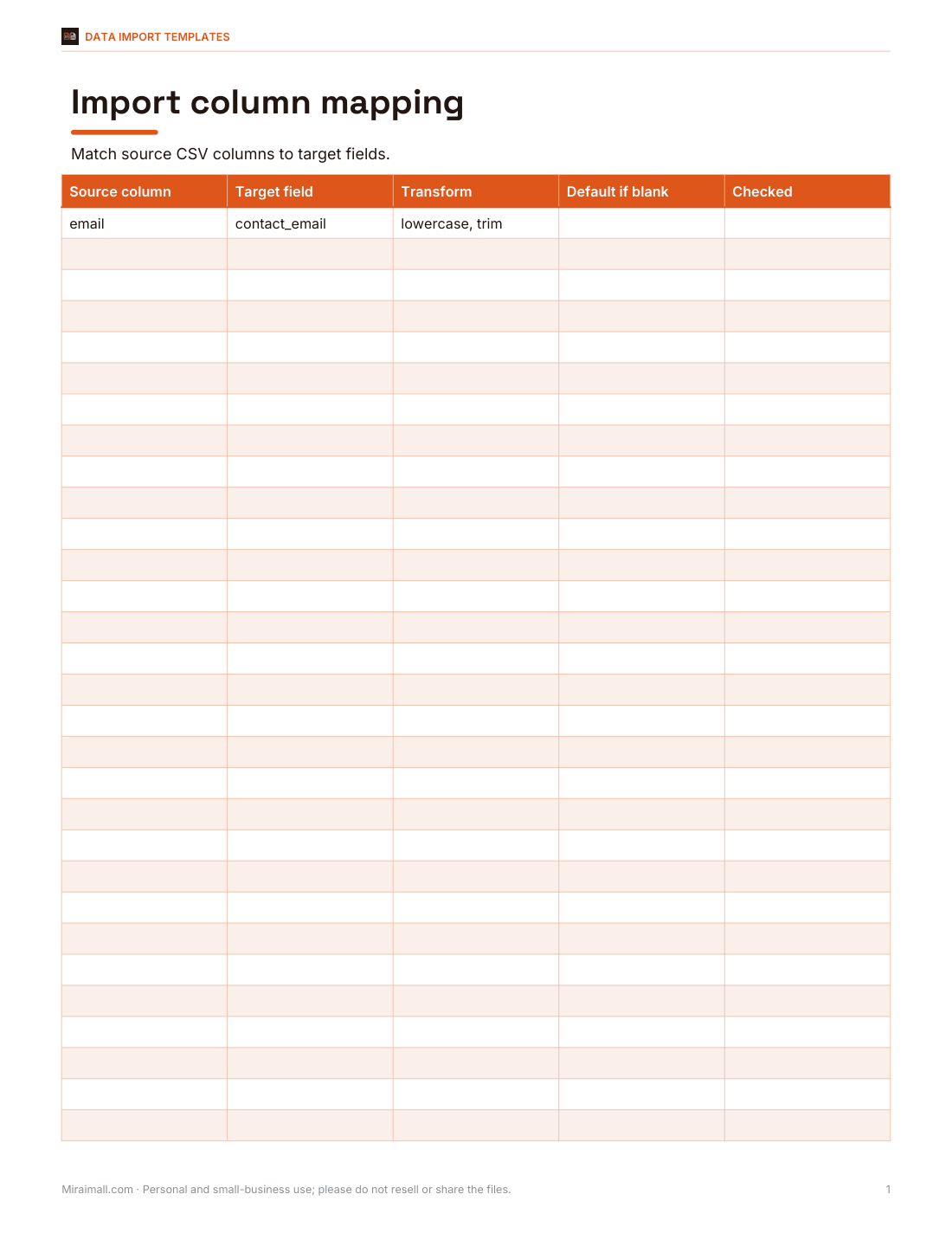
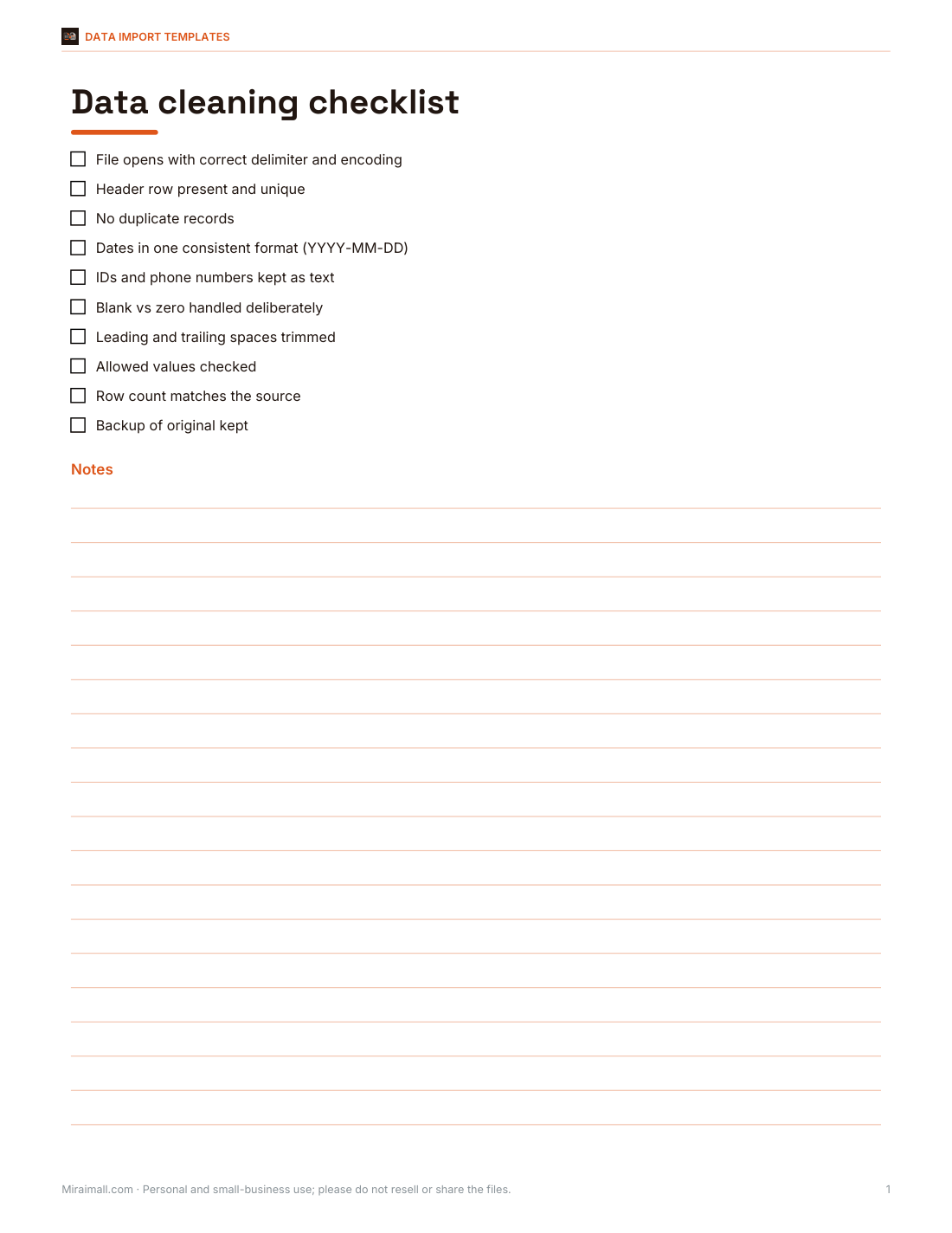
Excel data dictionary template, a column mapping sheet for imports, a data-cleaning checklist and a CSV import log.
- Data dictionary (XLSX)
- Mapping sheet (XLSX)
- Cleaning checklist (PDF/DOCX)
- Import log (PDF/DOCX/XLSX)
Formats: XLSX, PDF, DOCX. Instant download after payment (link valid 72 hours, up to 5 downloads). AI-assisted: the templates were drafted with AI help and reviewed and laid out before publishing.
$5.00 USD, one-time 4 files · about $1.25 each
- Instant download
- 7-day refund
- Secure checkout by Stripe
7-day money-back guarantee. Full refund within 7 days of purchase, even after you download.
Free sample: Data Dictionary (PDF, 55 KB)
Full refund within 7 days — see the refund policy and license.
Free printables
Single sheets you can print right now, no sign-up. The full pack adds every sheet in one download plus the editable files.
 Printable Data Dictionary Template
 CSV Import Mapping Sheet
 Printable Data Cleaning Checklist
 Printable CSV Import Log
How the conversion works
- The converter finds the records: a top-level array, or the first array of objects inside an object (such as {"data": [...]}); a single object becomes one row.
- Each record is flattened: nested objects become columns joined with dots, so {"address": {"city": "London"}} becomes a column address.city.
- Every field that appears in any record becomes a column, in the order first seen; missing values are left blank.
- Values containing the delimiter, quotes or line breaks are wrapped in double quotes, and quotes inside are doubled, following the common CSV standard (RFC 4180).
- The result can be previewed, copied or downloaded.
Worked example
| id | name | address.city | address.zip | tags | active | |
|---|---|---|---|---|---|---|
| 1 | Ada | ada@example.com | London | N1 | admin; beta | |
| 2 | "Grace, R." | grace@example.com | New York | true | ||
| 3 | "Linus ""LT""" |
The sample JSON on this page produces this CSV. Grace’s name contains a comma, so it is quoted; Linus’s name contains quotation marks, which are doubled inside quotes. Fields that only appear in some records — zip and active — still get a column.
Arrays: three ways to handle them
| Option | Result for "tags": ["admin", "beta"] | Best for |
|---|---|---|
| Join values | tags = admin; beta | Reading in a spreadsheet |
| Keep as JSON | tags = ["admin","beta"] | Re-importing into another program |
| Spread into columns | tags.0 = admin, tags.1 = beta | Filtering and sorting by position |
Arrays of objects (for example a list of order items) are kept as JSON text in join mode, because a single cell can’t hold a table; use spread mode to turn them into numbered columns such as items.0.sku.
Opening the CSV in Excel
- Keep “Add UTF-8 BOM” on so Excel shows accented letters and symbols correctly.
- If your Excel uses a comma as the decimal separator (common in Europe), choose the semicolon delimiter so columns split properly.
- Long numbers such as IDs or phone numbers may be shown in scientific notation or lose leading zeros; import the column as Text using Data → From Text/CSV.
- Google Sheets: File → Import → Upload, and choose “Detect automatically” for the separator.
Fixing invalid JSON
| Problem | Invalid | Valid |
|---|---|---|
| Single quotes | {'a': 1} | {"a": 1} |
| Trailing comma | [1, 2, ] | [1, 2] |
| Unquoted key | {a: 1} | {"a": 1} |
| Comments | {"a": 1 // note} | Remove comments |
| Undefined or NaN | {"a": NaN} | {"a": null} |
When JSON can’t be parsed, the converter shows the error and, where the browser reports it, the line and column so you can find the problem quickly.
JSON and CSV compared
| JSON | CSV | |
|---|---|---|
| Structure | Nested objects and arrays | Flat rows and columns |
| Data types | Strings, numbers, true/false, null | Everything is text |
| Readable in spreadsheets | No | Yes |
| Typical use | APIs, config files, app data | Spreadsheets, imports, reports |
| Size | Larger (keys repeated in every record) | Smaller (header written once) |
Because CSV has no types, numbers, dates and true/false values all become plain text. Spreadsheets guess the type when they open the file, which is usually helpful but can change IDs with leading zeros or long digit strings — import those columns as text.
Common JSON shapes and how they convert
- Array of objects — [{...}, {...}] — each object becomes a row. This is the most common API format.
- Wrapped array — {"data": [{...}]} or {"results": [...]} — the converter finds the first array of objects and uses it.
- Single object — {...} — becomes one row with a column for every field.
- Array of values — [1, 2, 3] — becomes a single “value” column.
- Deeply nested data — flatten mode creates long column names such as order.customer.address.city; switch nested objects to “Keep as JSON text” if you prefer fewer columns.
Using the CSV in a database or another tool
Most databases and data tools import CSV with a header row. Match the delimiter and encoding in the import settings (UTF-8, comma or semicolon), and decide how empty cells should be treated — as empty strings or as NULL. If the target system expects particular column names, rename them in a spreadsheet first, or use the mapping sheet from the templates pack.
Privacy and large files
The file is read and converted entirely in your browser; nothing is sent to a server. Files of several megabytes convert in a moment on a modern computer. For very large files (hundreds of megabytes), a command-line tool or a database import is more suitable.
Data templates pack
The optional pack includes an Excel data dictionary template for documenting columns, an import mapping sheet for matching CSV columns to a target system, a data-cleaning checklist and a CSV import log. The converter above is free to use.
AI-assisted content
This page was drafted with AI assistance and reviewed before publishing.
Frequently asked questions
How do I convert JSON to CSV?
Paste the JSON or open the file, choose your options and download the CSV.
What happens to nested objects?
They are flattened into columns with dot notation, such as address.city.
How are arrays handled?
Joined with semicolons, kept as JSON text or spread into numbered columns — your choice.
Why do accents look wrong in Excel?
Keep the UTF-8 BOM option on so Excel reads the file as UTF-8.
Is my data uploaded?
No, the conversion runs in your browser.
Can I make a TSV instead?
Yes, choose the Tab delimiter.
Can it read a JSON file from my computer?
Yes, use the file picker; the file is read locally.
What does the UTF-8 BOM do?
It is an invisible marker at the start of the file that tells Excel the text is UTF-8, so accented letters display correctly.
Why is a value in quotes in my CSV?
It contains a comma, quote or line break, so it is quoted to keep the columns intact.